When working with Azure resources and the Microsoft Graph API, reliable authentication is crucial. You often run into issues such as expired tokens, MFA requirements, or the use of Service Principals in CI/CD. That’s why I developed a smart PowerShell function that automatically chooses between interactive login (with MFA fallback) and non-interactive login (Service Principal). For example, this applies to PowerShell error code 50173.
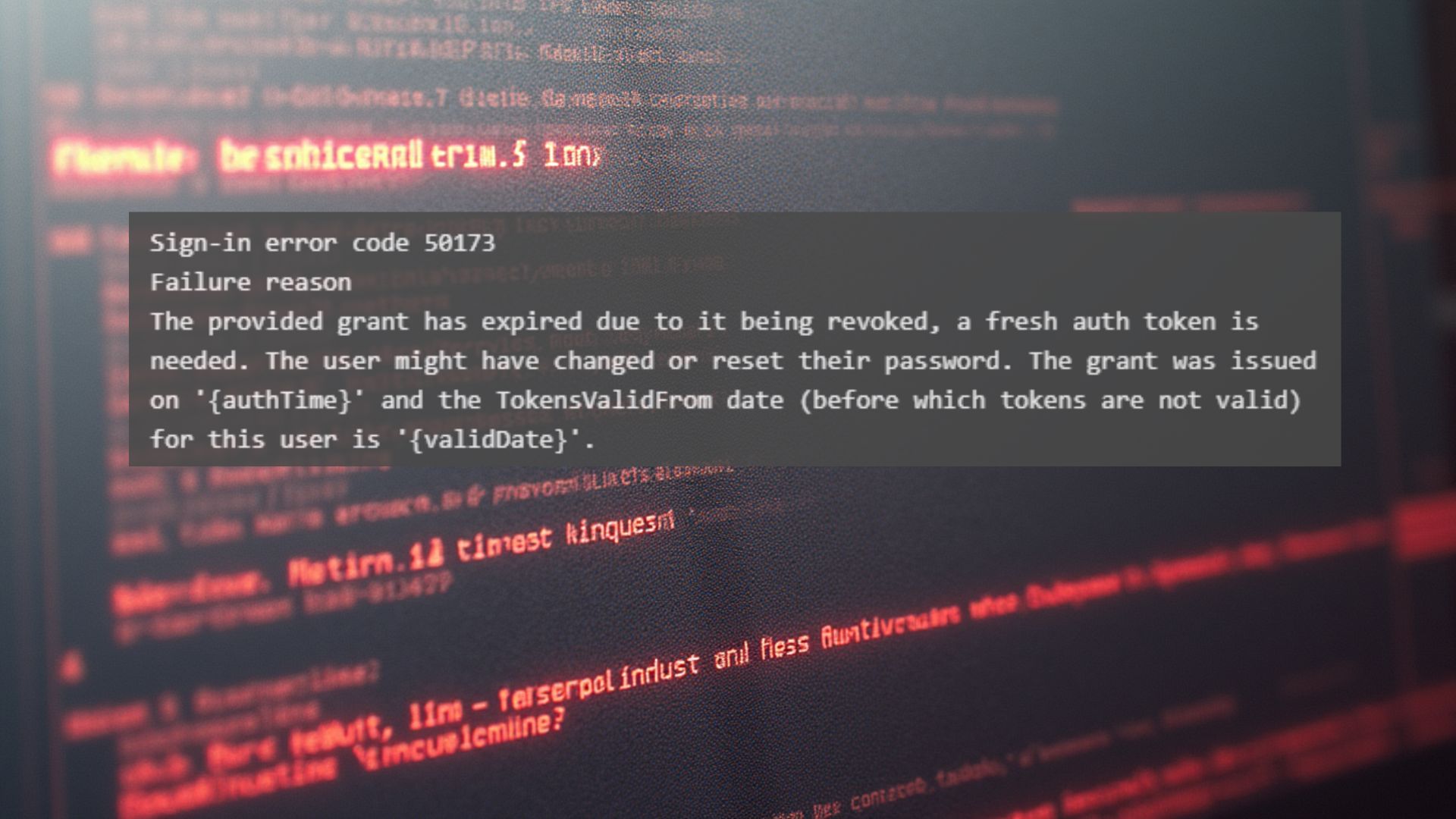
Sign-in error code 50173
Failure reason
The provided grant has expired due to it being revoked, a fresh auth token is needed. The user might have changed or reset their password. The grant was issued on '{authTime}' and the TokensValidFrom date (before which tokens are not valid) for this user is '{validDate}'.
The PowerShell error code 50173 in Microsoft Entra ID (formerly Azure AD) indicates that the script is using an expired or revoked refresh token. This usually happens when:
- The TokensValidFrom date has been updated (for example, due to a password reset or an administrator action).
- The user has changed or reset their password.
- The application is attempting to use an old refresh token that is no longer valid.
The PowerShell error code 50713 occurs when using Connect-AzAccount or Connect-MgGraph from a PowerShell script. The error message 50173 does not originate directly from PowerShell code, but from the authentication flow executed by the script through Connect-AzAccount or Connect-MgGraph. This means the issue lies in token validation within Azure AD / Microsoft Graph.
Why does PowerShell error code 50173 occur when running a PowerShell script?
The script is probably trying to reuse an existing session, but that session is no longer valid. Your script uses az login and then Connect-AzAccount and Connect-MgGraph.
If Azure uses an old refresh token (for example, because a session is still active), and the user has recently changed their password or an admin has updated the TokensValidFrom date, then all old tokens become invalid.
Solution to prevent PowerShell error code 50173
Add -Force to Connect-AzAccount and use Disconnect-MgGraph to retrieve a new token. This ensures that no old session remains in memory. An elegant way to remove old sessions before logging in again can be done with the following PowerShell snippet.
Function Use-AzureConnection {
    param(
        [Parameter(Mandatory = $true)]
        [string]$SubscriptionId,

        [Parameter(Mandatory = $true)]
        [string]$TenantId,

        [string]$AppId,          # Optional: Service Principal Client ID
        [string]$AppSecret       # Optional: Service Principal Secret
    )

    # Remove older context
    Clear-AzContext -Force

    # Detect if Service Principal credentials were given
    if ($AppId -and $AppSecret) {
        try {
            Write-Host "Connecting to Azure using Service Principal..."
            Connect-AzAccount -ServicePrincipal -Tenant $TenantId -ApplicationId $AppId -Credential (New-Object System.Management.Automation.PSCredential($AppId,(ConvertTo-SecureString $AppSecret -AsPlainText -Force))) -Subscription $SubscriptionId -ErrorAction Stop
            Write-Host "Azure connection successful (Service Principal)."
        } catch {
            Write-Host "Service Principal login failed: $($_.Exception.Message)"
            throw
        }
    } else {
        # Interactive login with MFA fallback
        try {
            Write-Host "Connecting to Azure interactively..."
            Connect-AzAccount -Subscription $SubscriptionId -Force -ErrorAction Stop
            Write-Host "Azure connection successful."
        } catch {
            Write-Host "Standard Azure login failed: $($_.Exception.Message)"
            Write-Host "Trying MFA device authentication..."
            try {
                Connect-AzAccount -Subscription $SubscriptionId -UseDeviceAuthentication -ErrorAction Stop
                Write-Host "Azure connection successful with MFA."
            } catch {
                Write-Host "Azure login failed even with MFA: $($_.Exception.Message)"
                throw
            }
        }
    }

    # Check if context is available
    if (-not (Get-AzContext)) {
        throw "Azure login failed. No context available."
    }

    # Microsoft Graph login with 50173 fallback
    try {
        Write-Host "Connecting to Microsoft Graph..."
        Connect-MgGraph -TenantId $TenantId -Scopes "User.Read","Application.ReadWrite.All","Directory.ReadWrite.All" -NoWelcome -ErrorAction Stop
        Write-Host "Microsoft Graph connection successful."
    } catch {
        if ($_.Exception.Message -like "*50173*") {
            Write-Host "Token expired or revoked (Error 50173). Re-authenticating..."
            Disconnect-MgGraph
            Connect-MgGraph -TenantId $TenantId -Scopes "User.Read","Application.ReadWrite.All","Directory.ReadWrite.All" -NoWelcome
            Write-Host "Re-authentication successful."
        } else {
            Write-Host "Graph login failed: $($_.Exception.Message)"
            throw
        }
    }
}
The Use-AzureConnection function provides:
- Microsoft Graph login with error handling Includes recovery for error code 50173 (expired or revoked token).
- Automatic choice of login method If Service Principal credentials are provided, the function uses them for a non-interactive login (ideal for CI/CD). Otherwise, an interactive login is performed, including MFA fallback.
- Forced re-authentication Old sessions are removed with Clear-AzContext, and -Force is used during login.
- MFA fallback If the standard login fails (for example due to Conditional Access), the function automatically switches to -UseDeviceAuthentication.
How does it work?
The function first checks whether Service Principal credentials are present. If so, a non-interactive login is performed. If not, the function attempts a standard login and switches to MFA if necessary. After that, a connection to Microsoft Graph is established, with any potential token error automatically resolved.
How do you use this function to prevent PowerShell error code 50173?
Interactieve login (with MFA fallback):
Use-AzureConnection -SubscriptionId "xxxx-xxxx" -TenantId "yyyy-yyyy"Non-interactieve login (CI/CD):
Use-AzureConnection -SubscriptionId "xxxx-xxxx" -TenantId "yyyy-yyyy" -AppId "zzzz-zzzz" -AppSecret "SuperSecretValue"Why is this useful?
- Works for both developers and automated pipelines.
- No hassle with expired tokens.
- Includes error handling for Microsoft Graph.
If you want to learn more about Azure authentication methods, continue reading here.
You can contact me via this contact form.