MCP for Business Central: unlocking maximum AI automation for your ERP
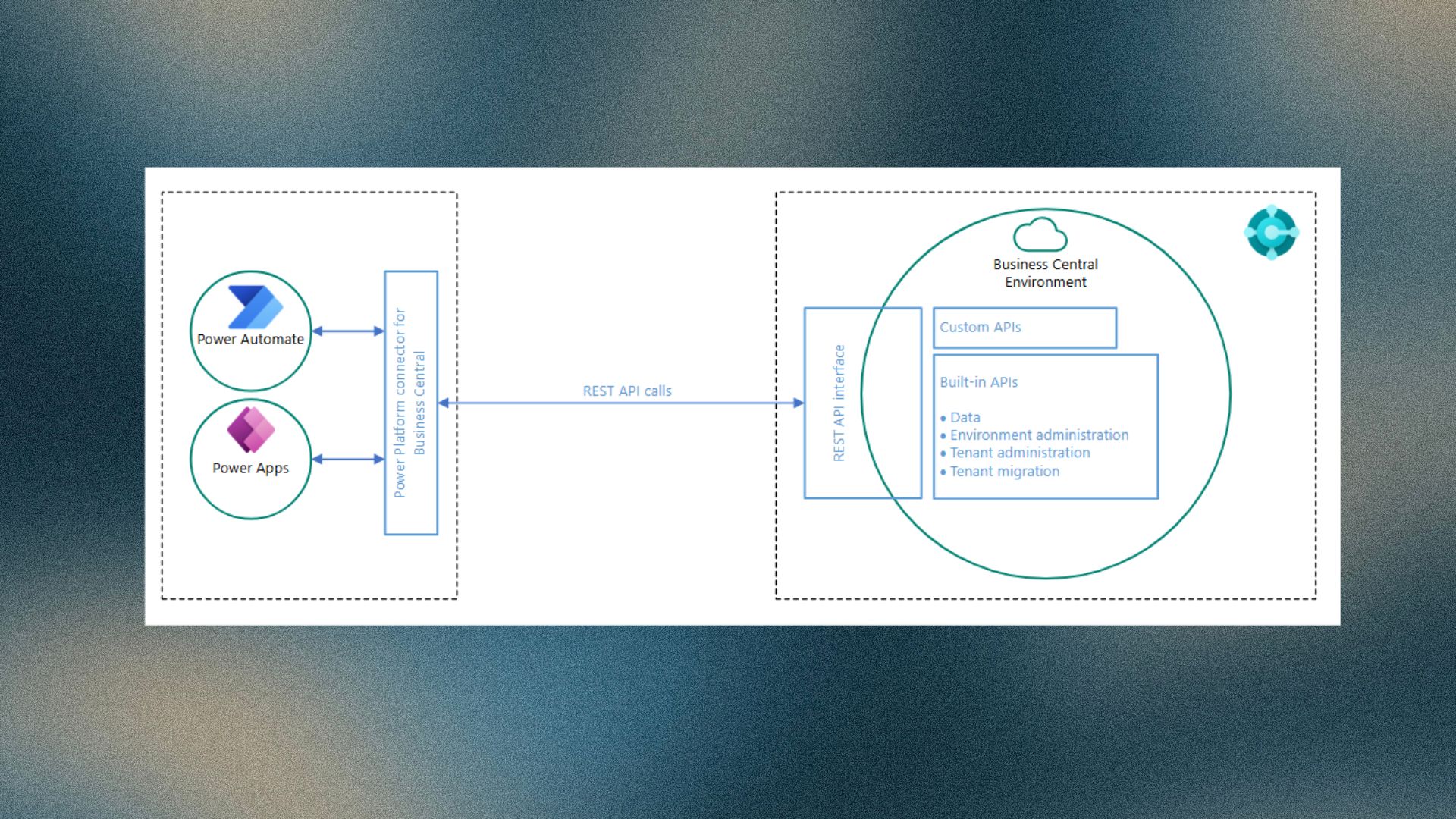
The MCP-server for Business Central actively unlocks the full potential of AI‑driven automation within your organization. By exposing Business Central entities such as customers, items, and sales orders through a standardized API, the MCP‑server for Business Central integrates directly with intelligent agents on AI platforms that support the MCP protocol, including Azure OpenAI and Copilot Studio. This enables you to automate repetitive tasks, streamline workflows, and interact with your ERP data in a natural, conversational way. The result is higher efficiency, faster decision‑making, and a more intuitive user experience across all business processes.
Feature details MCP-server for Business Central
An open standard for intelligent automation
The Model Context Protocol (MCP) provides an open API standard that allows intelligent clients to easily discover, describe, and execute operations on external services. Through this standardization, applications deliver consistent context to language models, enabling seamless integration with a wide range of data sources and tools.
MCP connects AI assistants and agents to systems where business data resides, such as content repositories, business applications, and development environments. An MCP‑compliant agent has access to rich contextual information and therefore operates more efficiently than agents without MCP support.
Direct integration with Business Central
With the MCP-server for Business Central, you can effortlessly connect agents to existing knowledge sources and APIs. Agents communicate directly with Business Central, while actions and knowledge synchronize automatically. This real‑time synchronization accelerates updates, supports continuous functional evolution, and reduces maintenance efforts. As a result, you can develop agents faster and with long‑term stability.
Access control and configuration
By default, the MCP‑server provides agents with read‑only access to all exposed Business Central API pages. If you want agents to create, modify, or delete entities and data, you can configure these operations within the MCP‑server for Business Central. This involves adding API page objects to individual configurations and defining the allowed operations per object.
For a complete explanation, refer to the documentation on configuring the Business Central MCP‑server.
You can contact me via this contact form.